 EN
EN
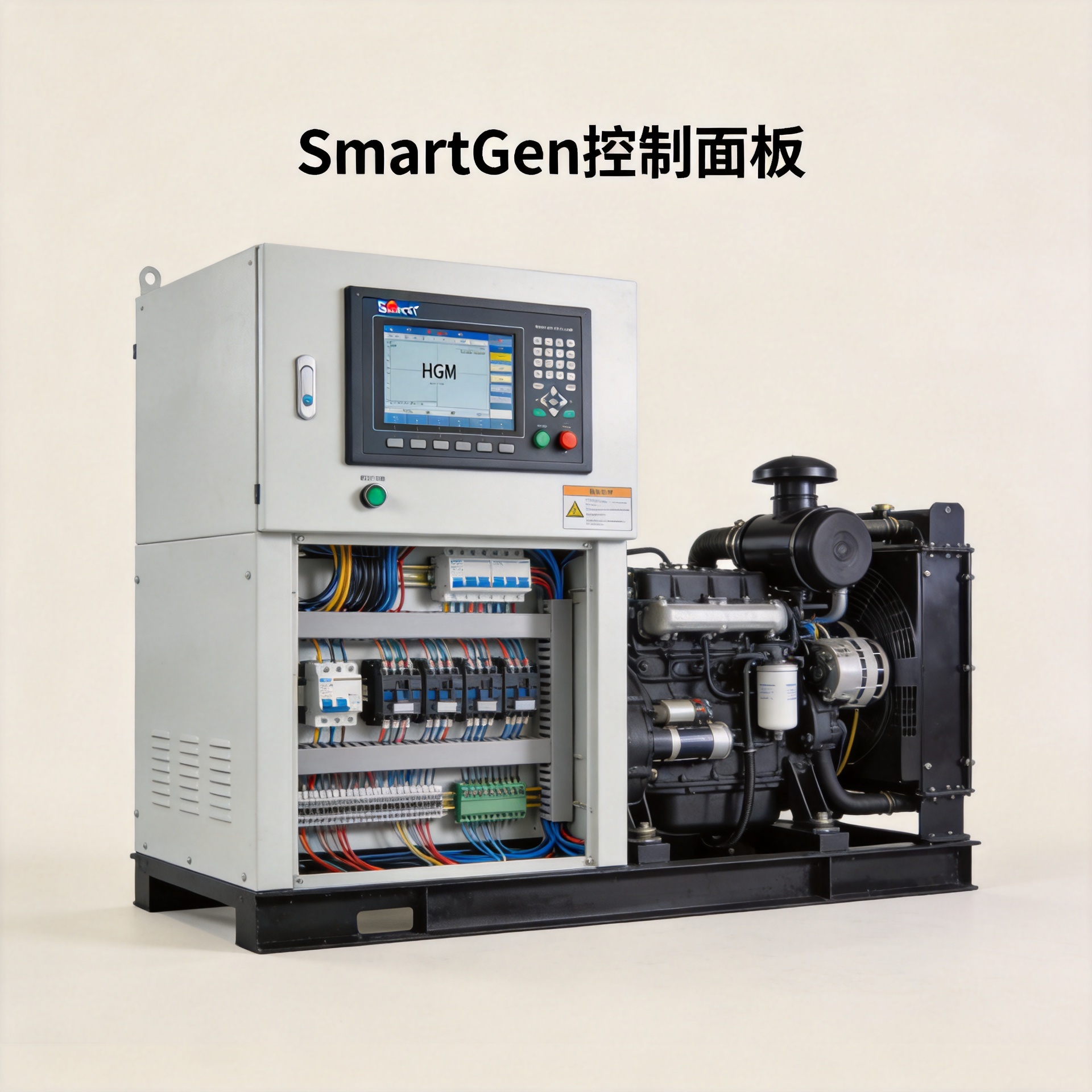
SmartGen Control Panel: HGM Module Wiring and Setup
Getting a SmartGen control panel integrated into a diesel genset build sounds straightforward, but the real work starts when you are confirming that the wiring interface, I/O configuration, and ATS logic match the rest of the installation. The HGM6100N series SmartGen control panel covers a range of single-unit automation and ATS control scenarios, but choosing between the HGM6110N and HGM6120N, and wiring each correctly, requires more than reading a spec sheet. This guide covers the key differences, how these modules compare to DSE controllers, and the wiring and setup steps that matter most on-site.
The SmartGen HGM6100N Series: What the Lineup Covers
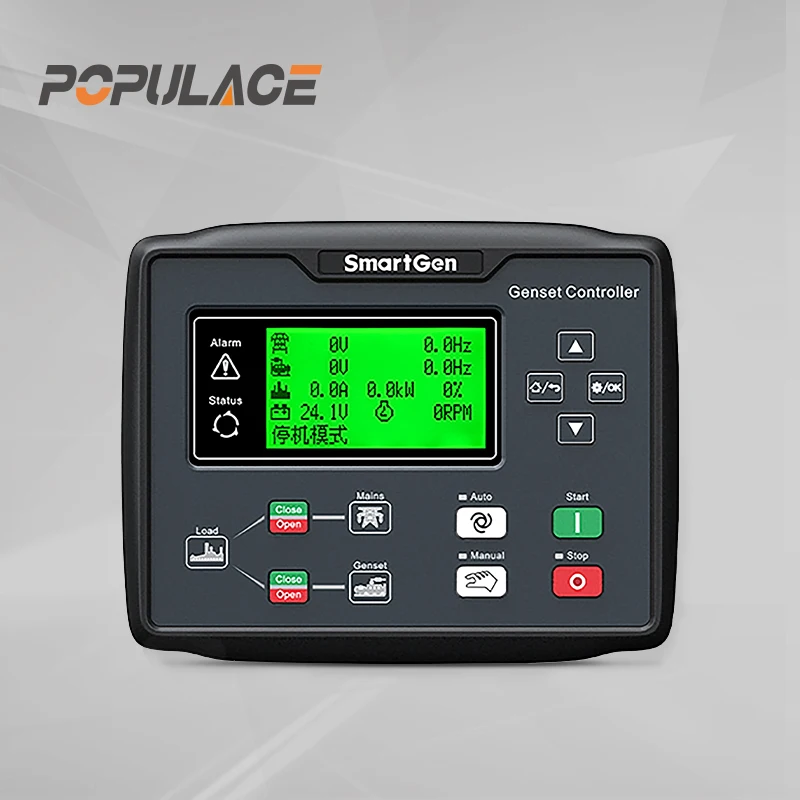
The SmartGen control panel in the HGM6100N range is a family of six controller variants, all sharing a common design platform: a panel-mount module with an LCD display, a power input range of 8–35 VDC, and a core feature set that includes automatic genset start/stop, digital data measurement, alarm protection, and three-remote capability (remote control, remote measurement, and remote communication). The series targets land-based diesel genset applications, from single-unit standby systems to ATS-controlled installations.
The two most widely deployed models in the HGM6100N line are the HGM6110N and the HGM6120N. Each targets a distinct wiring and control scenario. Selecting the wrong one for a given installation is a compatibility issue that often surfaces only after the panel has been commissioned and the genset is in service.
HGM6110N vs. HGM6120N: Single-Unit Automation vs. ATS Control
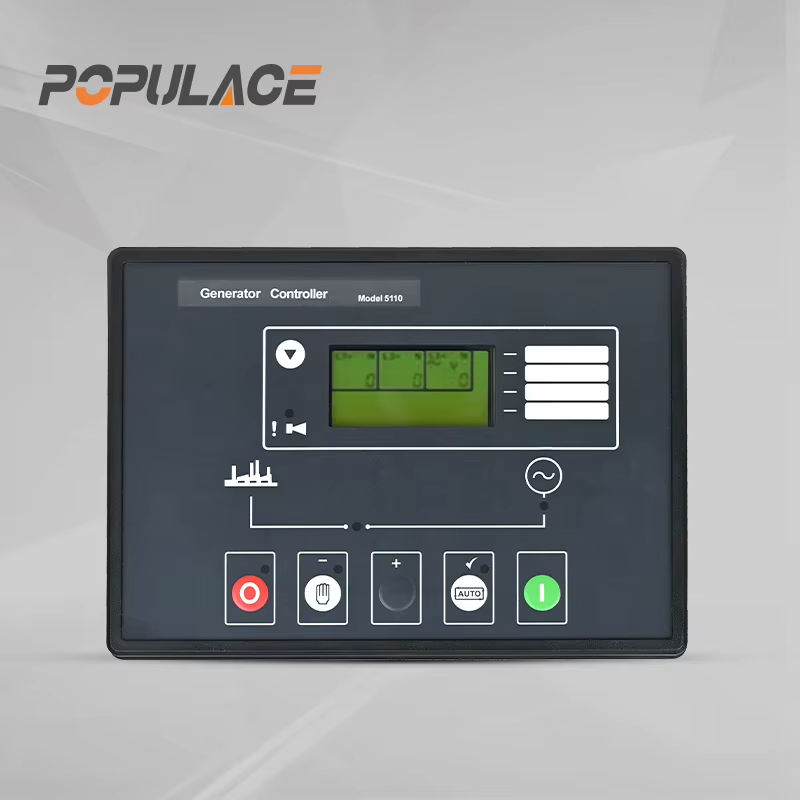
The HGM6110N SmartGen control panel module handles single-unit genset automation with remote signal start/stop. It monitors engine parameters, executes the start sequence on a trigger signal, and manages shutdown with fault protection, without requiring a mains supply input. If your installation is a generator responding to a remote signal from a building management system or a manual switch, the HGM6110N handles that use case cleanly.
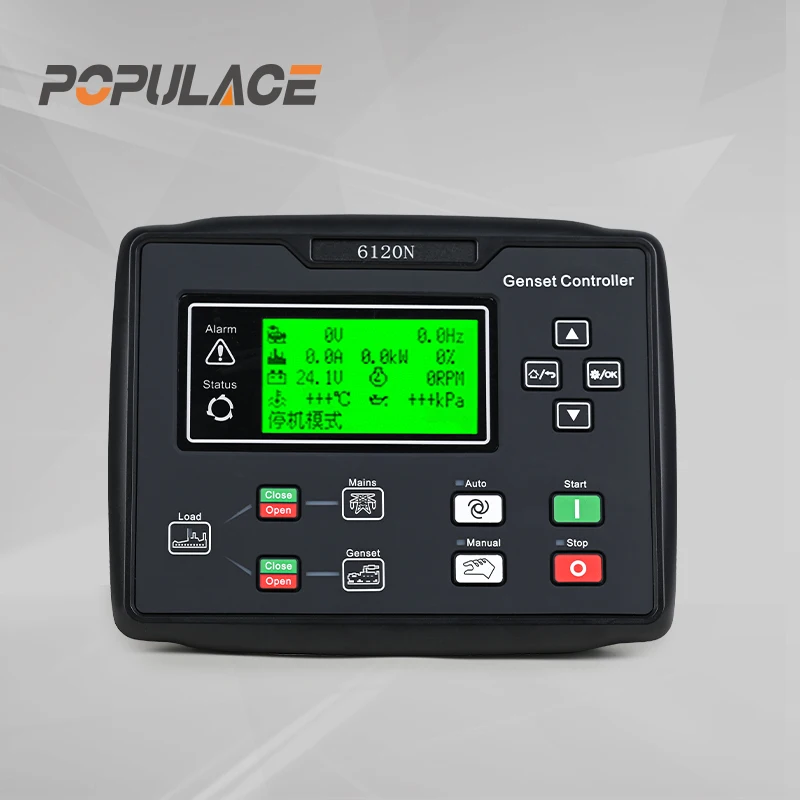
The HGM6120N SmartGen control panel adds ATS control logic. It monitors the mains supply and, when mains voltage or frequency moves outside the configured thresholds, automatically initiates the genset start sequence and controls the transfer switch. This model suits installations where the generator must respond autonomously to mains failure. In a typical residential or commercial backup scenario, the controller needs visibility over both the genset and the mains. Configured correctly, the return difference on the mains over-voltage detection is approximately 10 V, worth verifying against your site's mains tolerance window.
For integrators sourcing both models, the Smartgen HGM6110N Genset Controller ATS Auto Start Module for Diesel Generator and the HGM6120N Controller Intelligent Diesel Genset ATS Generator Control Module are both available for wholesale sourcing with technical documentation support.
SmartGen Control Panel vs. Deep Sea Electronics (DSE): A Practical Comparison
DSE's genset controller lineup covers a broader feature spectrum. Load sharing, synchronizing, G59 grid protection, and parallel operation modules are all within their range. If the installation requires multi-genset synchronization or grid-parallel operation, DSE's upper-tier models have mature implementations for those configurations.
The SmartGen control panel series positions differently. For single-unit automation and ATS applications, which represent the majority of standby generator installations globally, the HGM6110N and HGM6120N provide the required functionality at a more accessible price point. The compact physical footprint of the SmartGen control panel also matters in retrofit projects where the existing panel enclosure limits space. For a standard single-unit standby installation, the SmartGen control panel delivers what integrators need without features that are not relevant to that application.
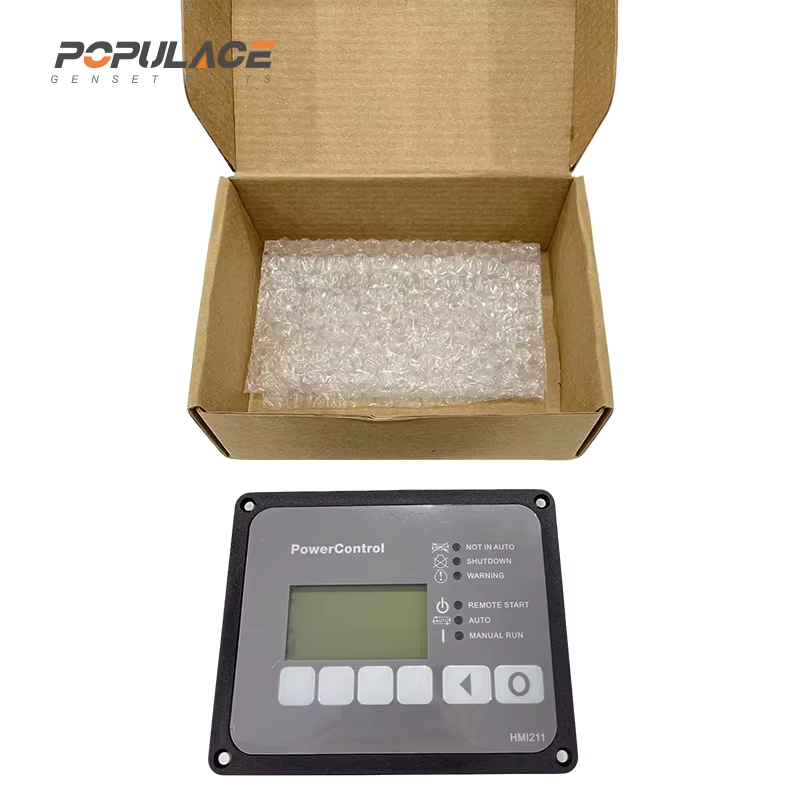
Integrators evaluating Cummins PowerCommand-equipped sites should note that Cummins PowerCommand is a proprietary control platform with its own communication protocols and HMI conventions. If you are working alongside existing Cummins HMI211 displays, the HMI211 Cummins panel provides local engine status and control separate from the generator control module. Confirm the interface compatibility and communication port assignments before wiring the SmartGen control panel into the same system. In most standard ATS scenarios, the SmartGen control panel operates independently as the primary controller without requiring Cummins PowerCommand integration, but the wiring isolation between the two systems needs to be verified on-site.
HGM Module Wiring: Key Setup Steps
The HGM6100N SmartGen control panel runs on an 8–35 VDC power input drawn directly from the battery. Wire the positive supply through a fused circuit. The module draws minimal current under normal operation, but the fuse protects the battery circuit if a wiring fault occurs downstream of the panel.
For start/stop control, the module uses dedicated output contacts to drive the engine starter and fuel solenoid. Verify that the contact ratings match the starter motor relay requirements. The HGM module's output contacts are designed for relay-driving applications, not for directly switching high-current starter circuits without an interposing relay.
On the HGM6120N ATS configuration, the mains voltage sensing input requires a connection to all three phases (or single phase, depending on the installation) before the transfer switch. Connect the genset voltage sensing from the generator output terminals. The transfer switch control outputs drive the mains contactor and generator contactor. Confirm the contact ratings and interlocking wiring before energizing.
One wiring note from the HGM6100N series manual that applies to remote installations: if any wiring run exceeds 30 meters, double the wires in parallel for those runs. This covers sensor cables, remote start signal cables, and any low-voltage signal wiring subject to voltage drop. Skipping this step in large genset enclosures, or when mounting the SmartGen control panel at distance from the engine, can introduce intermittent sensor read errors that are difficult to trace after commissioning.
For generator fuel gauge integration, the SmartGen control panel in the HGM6100N series supports analog sensor inputs for fuel level monitoring. Wire the generator fuel gauge sender output to the designated analog input terminal, then configure the display scaling using the empty and full resistance values from the sender specification. If the existing generator fuel gauge sender resistance range is unknown, a multimeter check at empty and full positions gives you the calibration values before finalizing the parameter settings.
Configuration Parameters Worth Checking Before Commissioning
Before starting the commissioning sequence on any SmartGen control panel installation, confirm the following parameter groups in the module configuration:
- Start delay and cool-down timers — set according to the engine manufacturer's recommendations, not the controller defaults, which may differ.
- Voltage and frequency thresholds — for both genset output and, on the HGM6120N, mains sensing. Overly tight mains voltage limits will cause nuisance transfers.
- Alarm and shutdown setpoints — verify oil pressure, coolant temperature, and battery voltage thresholds match the engine protection requirements.
- Remote start signal polarity — some installations use a normally-open signal, others use normally-closed. An incorrectly configured polarity will cause the genset to start or remain running at the wrong time.
One environmental factor to verify before mounting: if the installation site has unusual ambient temperatures or high vibration, such as a mobile generator on a trailer or a generator room in a tropical climate, confirm the SmartGen control panel's rated operating temperature range covers the environment. Control module failures in hot environments are often traced to inadequate panel ventilation rather than the module itself, so assess the enclosure before assuming a hardware issue with the SmartGen control panel.
Sourcing the SmartGen Control Panel HGM Series with Technical Support
For wholesale buyers and genset integrators sourcing SmartGen HGM6110N or HGM6120N modules, Populace Electronic Co., Ltd. supplies both models with English-language documentation and pre-sales technical compatibility support. Pre-shipment specification confirmation is available to verify that the selected SmartGen control panel model and configuration matches your installation requirements before the order is placed. This step reduces costly field returns when dealing with site-specific ATS or remote start configurations.
Post-installation technical questions on wiring and commissioning are supported. For integrators who need a broader genset controller reference, the DATAKOM D-300-MK3 Genset Controller is available as an alternative for sites with specific monitoring or communication requirements.
Technical inquiry contact: [email protected] or visit www.kygenpower.com.