 EN
EN
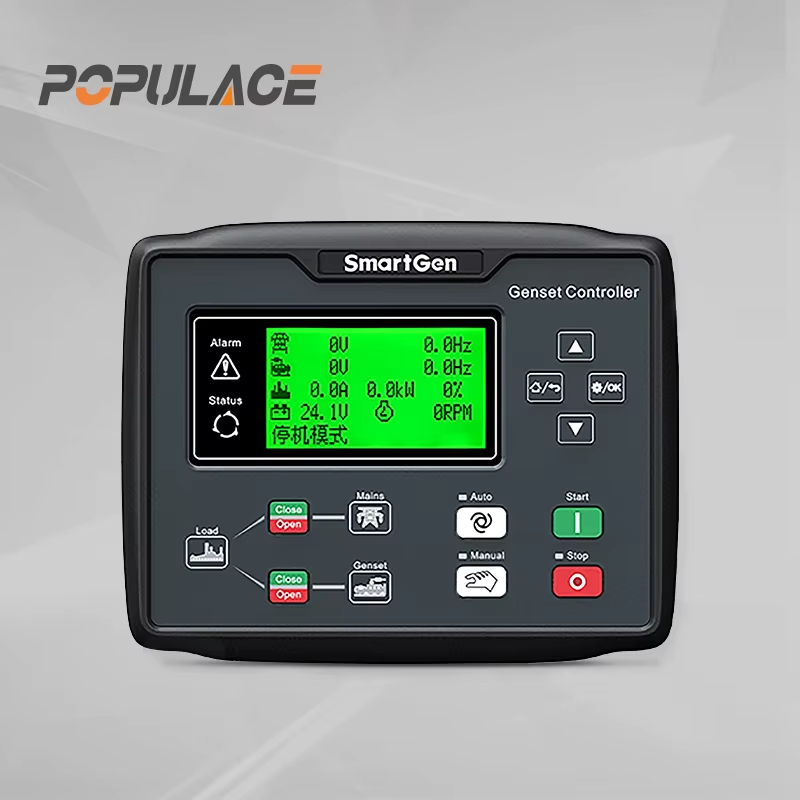
How to Install a Smart Gen Controller on a Frame-Mounted Generator
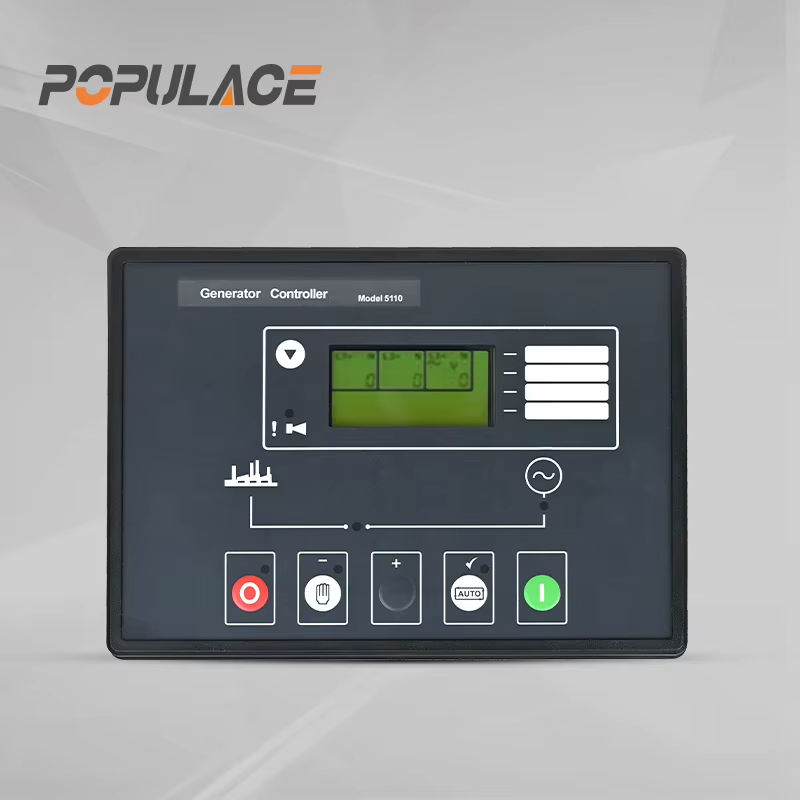
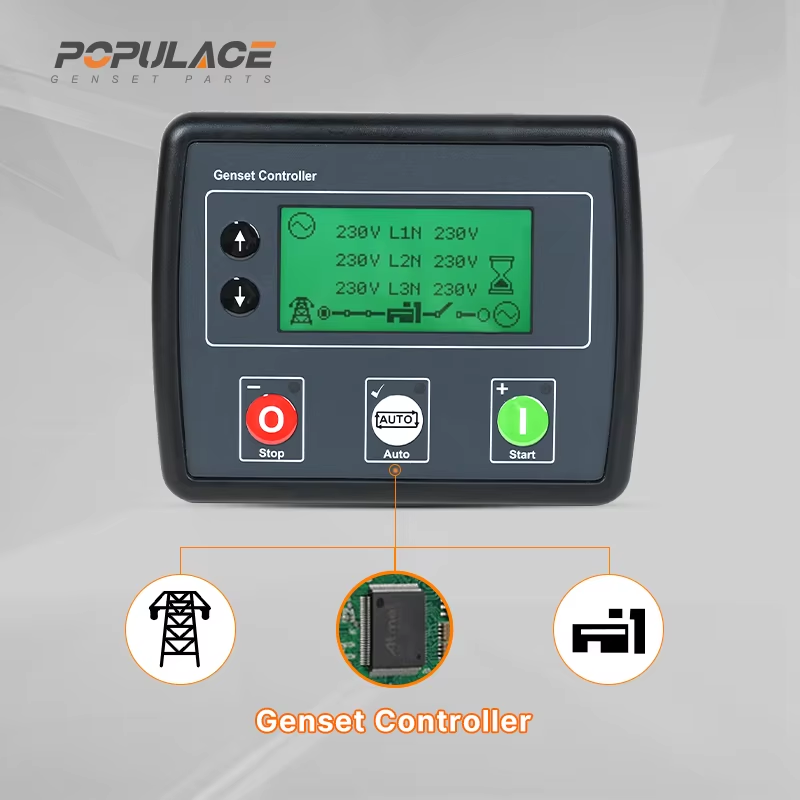
Installing a smart gen controller on a frame-mounted generator is one of the most practical upgrades you can make to move from a basic manual-start setup to a fully automated power management system. As a maintenance engineer who has worked with generator control systems across a range of commercial and industrial applications, the single question I get asked most often is: where do I even begin?
This guide walks through the full installation process — from mounting the smart gen control module on the panel to wiring, sensor connections, and first-start testing. Whether you are upgrading an existing unit or fitting a new smartgen controller kit from scratch, the sequence matters. Getting it right the first time saves significant troubleshooting later.
What You Will Need Before You Start
Before touching any wires, confirm you have the right equipment and that the generator is in a safe state for installation work.
- A compatible smart gen controller (verify the model supports your generator's voltage output — 12V or 24V DC power supply, and AC output sensing range)
- The complete smartgen controller kit, which should include the controller unit, installation hardware, wiring harness or terminal labels, and the user manual with wiring diagram
- Crimp terminals, heat shrink, wire stripper, and a multimeter
- Panel jigsaw or drill with appropriate bit for the control module cutout (most HGM series modules use a standard 180×68 mm or 183×67 mm panel aperture — confirm against your specific model's datasheet before cutting)
- The generator's wiring schematic and engine service documentation
If the kit you received does not include a wiring diagram, request one from the supplier before proceeding. A generator smart gen installation without verified wiring documentation is where most errors originate.
Step-by-Step Installation Process
Step 1 — Prepare the Panel and Mount the Controller
Shut down the generator completely and disconnect the battery negative terminal. Mark the panel cutout dimensions from the controller datasheet, double-checking the measurement before cutting — a too-large aperture cannot be undone. Cut the opening, deburr the edges, and slide the controller unit into position from the front. Secure the four mounting brackets from the rear of the panel and tighten evenly to avoid warping the controller housing.
Step 2 — Connect the DC Power Supply
The smart gen control module draws its operating power from the generator's starting battery. Locate terminals B+ and B- on the controller's rear connector block. Run appropriately rated cable (typically 1.5 mm² to 2.5 mm² depending on run length) from the battery positive and negative terminals to B+ and B- respectively. Put an inline fuse on the positive feed — 10A is the typical rating for SmartGen controller supply circuits.
If your application runs with a 24V starter system, verify the controller model is rated for 24V input before connecting. Some HGM series variants are 12V-only; wiring a 24V supply to a 12V module will damage it immediately.
Step 3 — Connect Generator AC Output Sensing
The controller monitors the generator's AC output to confirm it is running and within voltage and frequency parameters. Connect the AC sensing inputs (typically labeled L1, L2, L3, and N on three-phase units, or L and N on single-phase) to a properly fused tap from the generator output terminals. Do not connect these directly to the main load terminals — use the designated sensing input pins at low current levels only.
Step 4 — Wire the Start Relay and Fuel Solenoid
This is the step where the smart gen auto start function becomes active. The controller's crank output drives the starter motor via a relay, and the fuel solenoid output controls fuel supply. Connect:
- Crank output to the starter relay coil
- Fuel output to the engine fuel solenoid
- Charge alternator (D+) terminal if your engine uses a charge alternator for run confirmation
Watch polarity on the fuel solenoid carefully — a reversed connection will keep the solenoid energized permanently, preventing the engine from shutting down on command.
Step 5 — Connect Engine Protection Sensors
Engine protection inputs are what give a generator smart gen system its ability to shut down under fault conditions without operator action. Connect the following sensor circuits to the designated input terminals:
- Oil pressure switch or sender
- Coolant temperature sender
- Engine speed pickup (magnetic pickup sensor or W-terminal from charge alternator, depending on controller model)
- Emergency stop input (if fitted)
Check the controller's input type for each sensor — some inputs expect a switch-to-ground signal, others expect an analog sender signal. Mixing switch and analog types on the wrong input terminal will give false readings or missed shutdowns.
Step 6 — Program Controller Parameters
With all wiring completed, reconnect the battery and power up the smart gen controller without attempting to start the engine yet. Navigate to the settings menu and configure:
- Crank attempt count and crank duration (typically 3 attempts, 10 seconds each)
- Warm-up and cool-down timers
- Engine speed thresholds (crank disconnect, overspeed alarm)
- Voltage and frequency alarm limits
- AC sensing ratio if using a current transformer
If the smartgen controller kit is configured for AMF (Automatic Mains Failure) mode, also set the mains voltage detection thresholds so the controller knows when to start the generator on mains loss and when to transfer back.
Step 7 — First Start Test
Before connecting any load, do a no-load first-start test. Observe the controller display for correct voltage and frequency readings. Check that oil pressure and temperature sensors respond — oil pressure should appear on the display within seconds of starting. Verify that the smart gen auto start sequence completes cleanly: crank, fuel engage, start confirmation, and normal run mode.
Common Installation Mistakes to Avoid
Most installation failures come from one of these sources, and most of them are avoidable with careful pre-wiring checks:
- Incorrect speed input wiring — connecting to the wrong terminal or using an incompatible sensor type causes the controller to misread engine speed, triggering false overspeed shutdowns or failed crank detection
- Missing inline fuse on DC supply — a wiring fault without fusing risks damaging the controller or causing a fire
- AC sensing wires run adjacent to high-current power cables — this introduces noise into the sensing circuit; route sensing wires separately and keep runs short
- Skipping the cool-down timer configuration — under load, the engine needs a programmed cool-down period before shutdown to avoid premature wear; leaving this at default zero puts avoidable stress on the engine
Why Upgrade to a Smart Gen Control Module
A smart gen control module replaces a basic on/off switch panel with a system that manages the full generator operating cycle automatically. For frame-mounted units in commercial or standby applications, the main practical benefits are:
- Automatic engine protection shutdown on oil pressure, temperature, or overspeed faults — without requiring manual intervention
- Configurable smart gen auto start on mains failure, with selectable transfer delay to avoid nuisance starts on momentary outages
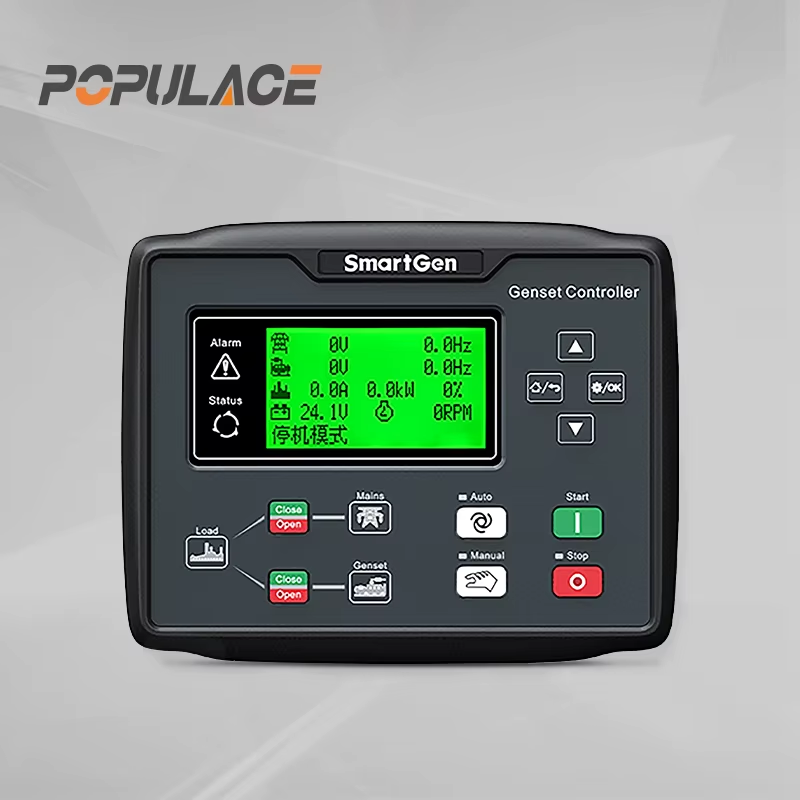
- Multi-language display showing voltage, current, frequency, run hours, and fault log — directly on the generator panel
- Remote monitoring and control capability on compatible models, allowing generator status to be checked from a building management system or remote terminal
For wholesale buyers and distributors sourcing control components for generator sets, access to full wiring documentation and post-installation technical support is a meaningful differentiator when evaluating controller suppliers. Installation teams that receive controllers without adequate documentation spend additional time on every installation — time that reduces the cost advantage of the component itself.
Summary
Installing a smart gen controller on a frame-mounted generator follows a repeatable sequence: mount, wire DC supply, connect AC sensing, wire start and fuel outputs, connect sensors, program parameters, and test. Each step builds on the last. Skipping the parameter configuration or running a first-start without checking sensor responses are the two shortcuts most likely to result in a callback.
If you are evaluating suppliers for generator smart gen control components or sourcing a smartgen controller kit at wholesale volume, ensure the supplier provides complete wiring diagrams and model-specific installation documentation as standard. That documentation is what enables clean first-time installations across your customer base.