 EN
EN
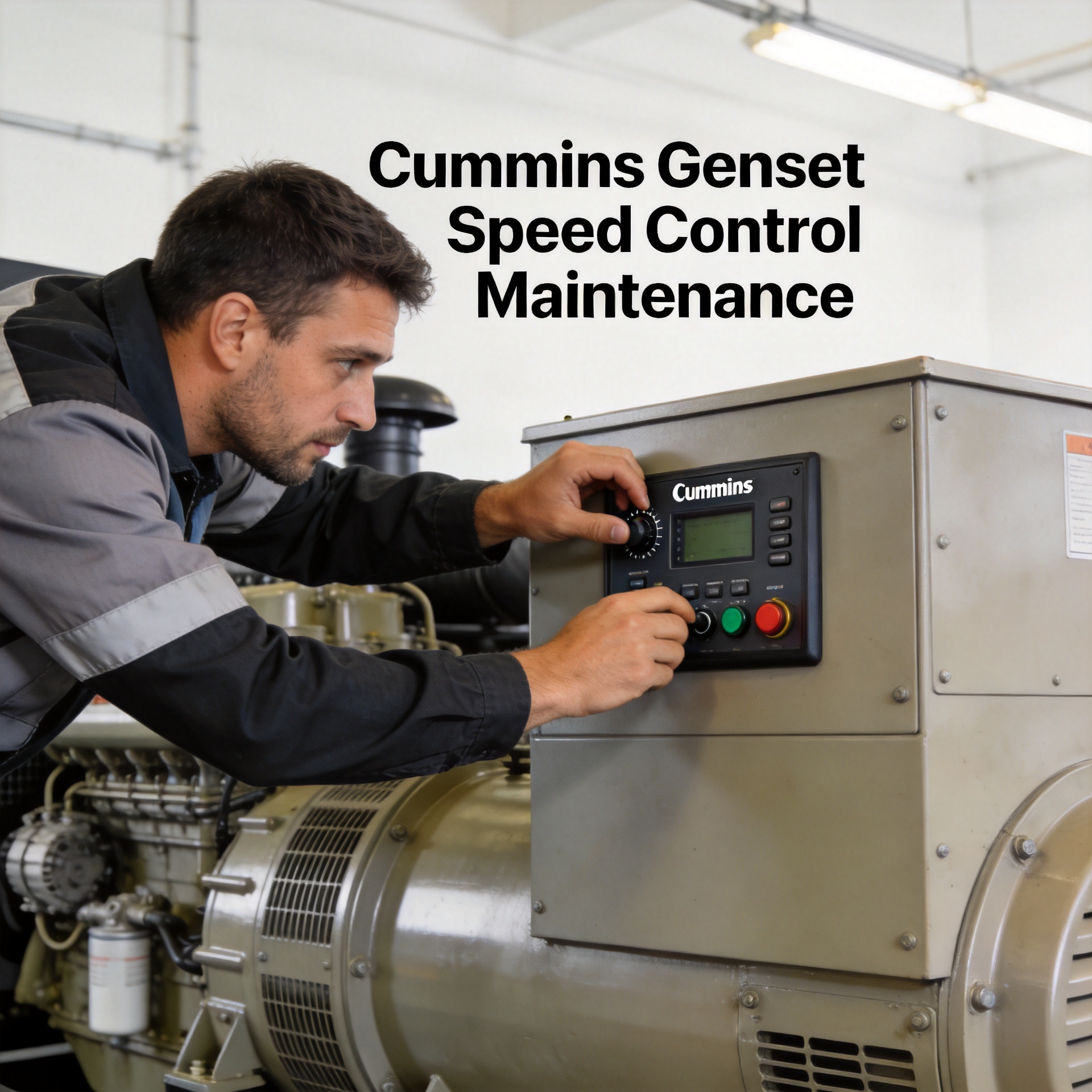
How to Adjust the Speed Control on a Cummins Powered Generator Set?
If you've been running Cummins powered generator sets long enough, you'll recognize the moment something feels off: a slight surge in engine rpm, a flicker in output frequency, or that unmistakable hunting rhythm telling you the speed control genset Cummins system needs recalibration. I've walked through this process on enough Cummins gensets to say it isn't complicated once you understand what each potentiometer actually does. What it does require is patience and a methodical approach.
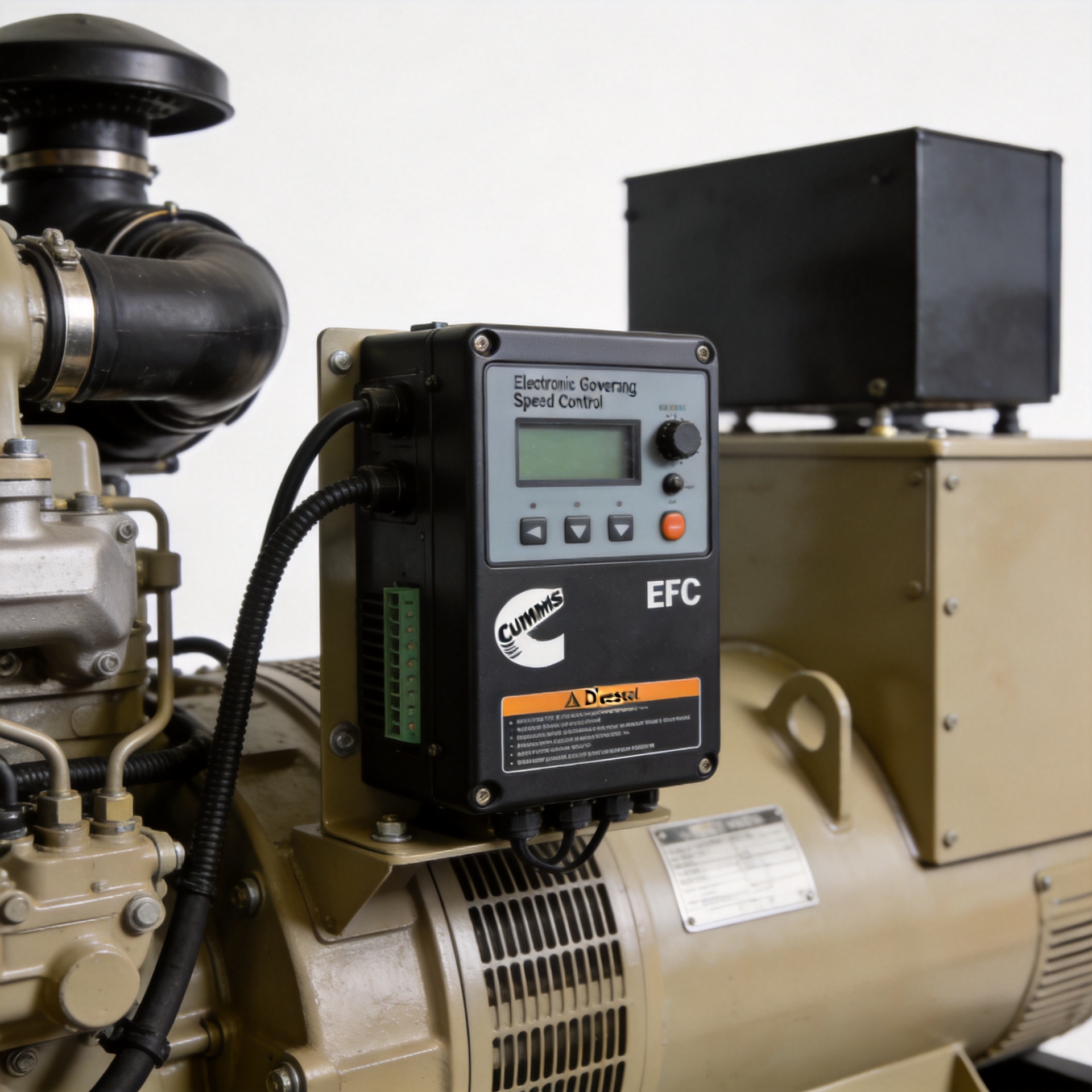
Below is the complete adjustment procedure for the cummins engine speed control electronic governor, covering everything from pre-check to final load verification. Whether you're working with a GAC ESD5500E-based system, a cummins genset speed controller like the 4914091 EFC unit, or the 3098693 governor, the core adjustment logic holds across platforms.
What Is the Speed Control Unit and Why Does It Need Adjustment?
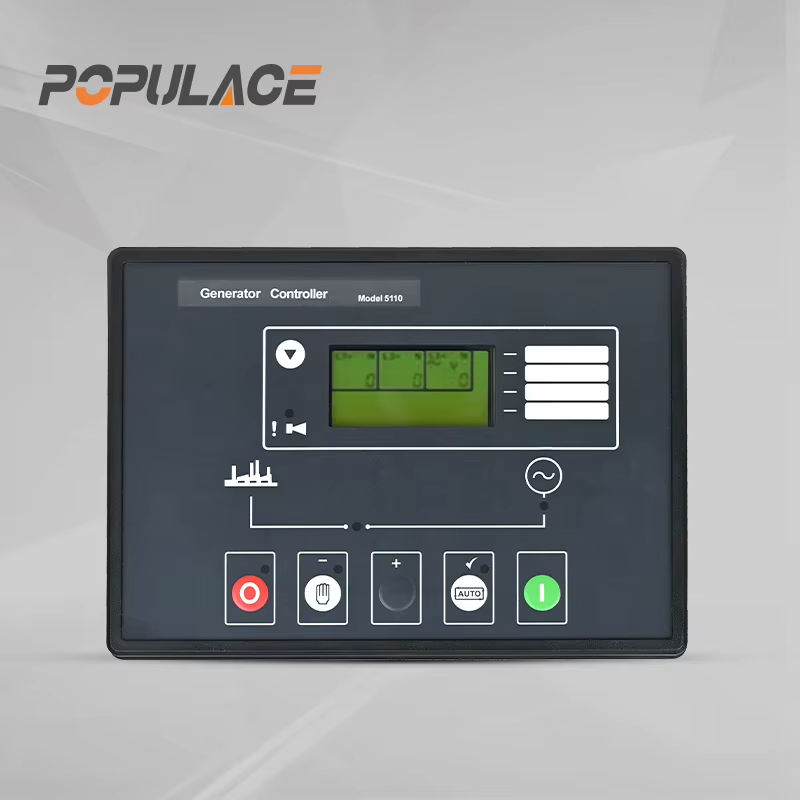
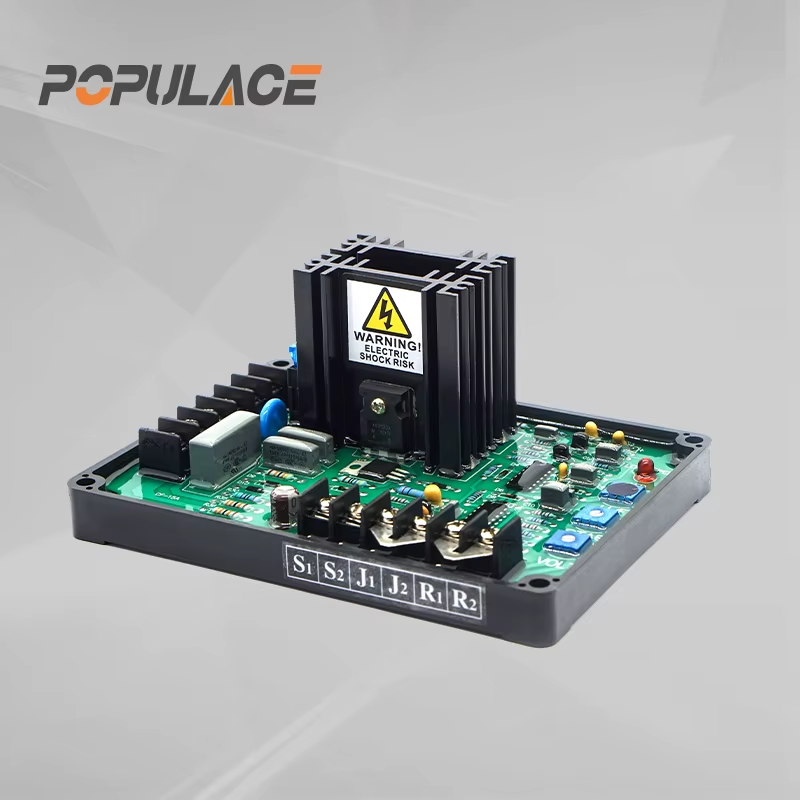
The speed control unit — also called the cummins electronic governor or EFC (Electronic Fuel Control) — is what decides how much fuel the engine gets to hold a target rpm under changing load conditions. On a 50 Hz generator set, that target is 1500 rpm; on a 60 Hz set, it's 1800 rpm. When the speed control genset Cummins calibration drifts or gets set incorrectly after a replacement, the engine can't hold stable output.
Calibration drift happens over time, and it almost always needs attention after swapping in a new governor. Symptoms that signal the cummins engine speed control needs adjusting:
- Engine hunting or surging at idle or under steady load (speed oscillates rhythmically)
- Generator output frequency dropping more than 2-3 Hz under load
- Unstable voltage tied to rpm variation
- Failure to return to rated speed after a sudden load change
Governor hunting — that rhythmic oscillation — is typically a GAIN (sensitivity) issue. Before you start replacing the cummins generator governor actuator or other components, try recalibrating the speed control module first.
Tools and Prerequisites
Before touching any adjustment screw on the cummins genset speed controller, get the following ready:
- Digital frequency meter or tachometer (for accurate rpm/Hz measurement)
- Multimeter (to verify magnetic pickup output voltage and wiring continuity)
- Small flathead screwdriver (for potentiometer trim)
- Engine and governor service manual for your specific Cummins model
- A dummy load bank or actual connected load for final load-step verification
Confirm you have the correct cummins electronic governor model for your engine series before starting. Installing a 3098693 unit on the wrong engine family can produce results that look stable at light load but fail under prime power conditions. That model is rated for a magnetic pickup frequency input range of 2500–5000 Hz. Verify your MPU signal falls within that band before you proceed.
Safety Precautions
Speed control genset Cummins adjustments require the engine to be running, which means working around live electrical terminals and an operating diesel engine. Keep clear of rotating components and hot exhaust surfaces. In outdoor or dusty environments, cover the governor module access panel whenever you're not actively adjusting — particulate contamination of the trim pots is a real problem in field conditions.
Step-by-Step Speed Control Adjustment Procedure
Step 1: Verify Magnetic Pickup (MPU) Signal
Start the engine and let it warm up for 5 minutes. With a multimeter on AC voltage, measure the MPU output at the governor module terminals. On most Cummins configurations with a cummins generator governor actuator system, the signal should be clean and within the required frequency range. A weak or noisy MPU signal will make every subsequent gain adjustment unstable. Diagnose and fix the MPU before moving on.
Step 2: Set Idle Speed (IDLE Trim Pot)
On ESD-type cummins engine speed control controllers, short terminals M and G to activate the idle mode circuit. Rotate the IDLE trim pot clockwise to raise idle speed, counterclockwise to lower it. Target the manufacturer's specified low-idle rpm — typically 1200–1350 rpm for a 1500 rpm rated unit. Remove the M-G jumper when done.
Step 3: Adjust Rated Speed (RUN or MAX Speed Trim Pot)
With the cummins genset speed controller in run mode and the engine at no-load, watch your frequency meter. Adjust the rated speed trim pot until the generator reads exactly 50.0 Hz (or 60.0 Hz). Small clockwise turns typically increase speed; confirm direction with your service manual. One click at a time, waiting 5–10 seconds between adjustments, gives the system time to settle.
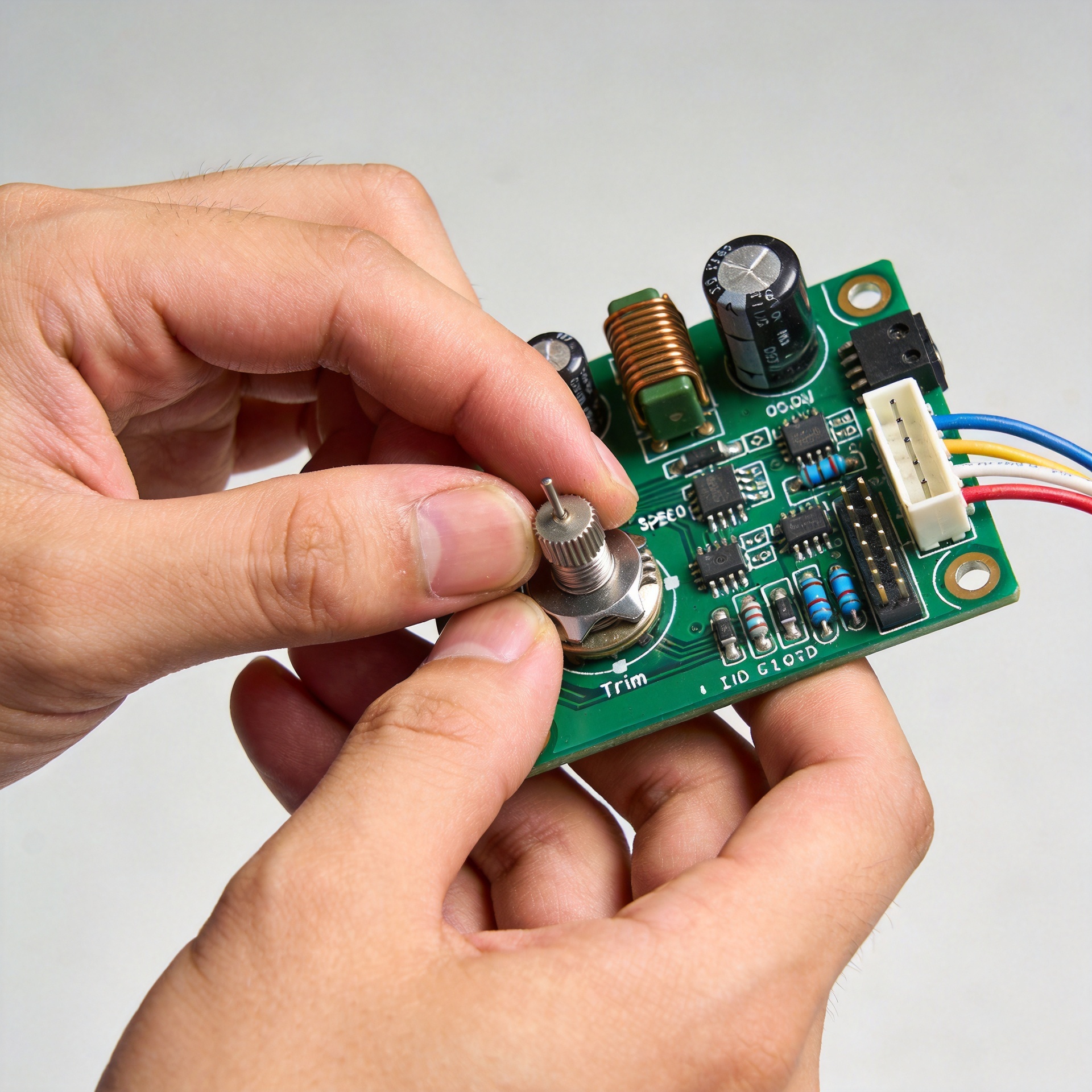
Step 4: Adjust GAIN (Sensitivity)
This is the most critical step for eliminating hunting in any speed control genset Cummins application. The ESD5500E and similar controllers use a clockwise-to-instability method:
- Slowly rotate the GAIN pot clockwise until the engine begins to hunt.
- Once instability starts, turn counterclockwise until the hunting stops and speed stabilizes.
- Turn an additional quarter-turn counterclockwise as a stability buffer.
If hunting only shows up at certain load levels, the GAIN is sitting right at the stability threshold. Back it off slightly further and retest across the load range.
Step 5: Set DROOP (Speed Droop Trim Pot)
DROOP controls how much rpm the engine is allowed to lose as load increases. At 0%, the cummins electronic governor operates isochronously — it fights to maintain exactly rated speed regardless of load. At 3–5%, the engine runs slightly slower under full load. That speed reduction is useful for parallel operation, where it helps multiple units share load proportionally.
For a standalone genset, set DROOP to 0% for tightest frequency regulation. For parallel operation, coordinate droop settings across all units, typically at 3–4%. This setting directly shapes how your cummins engine speed control responds during real-world load changes.
Step 6: Final Load Verification
Apply 25%, 50%, 75%, and 100% of rated load in steps, recording output frequency at each point. Frequency should recover to within ±0.5 Hz of rated within 3–5 seconds of each load step. Sluggish recovery points to too little GAIN. Hunting under load means GAIN is too high.
Common Mistakes to Avoid
The most common error when adjusting a cummins genset speed controller is adjusting GAIN before confirming rated speed is correct. If the no-load frequency is 51.5 Hz when it should be 50 Hz, no GAIN setting will fix the feel under load. Sort the speed setting first.
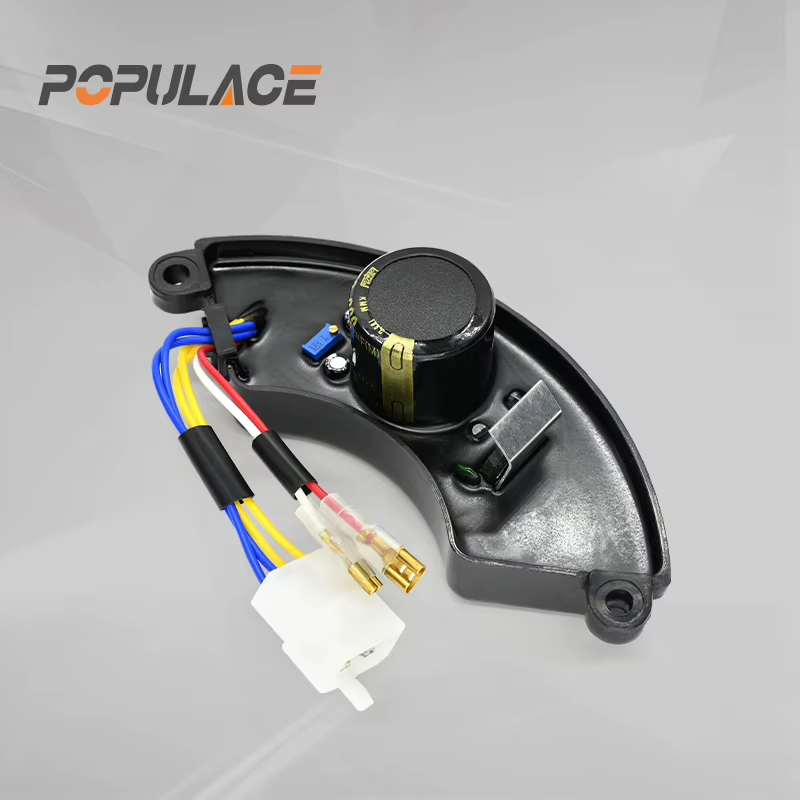
The second common mistake is fitting the wrong replacement governor. A cummins generator governor actuator or controller from a different Cummins engine family may use the same connector but have different internal scaling. Verify part number compatibility before installation, not after spending time chasing an adjustment that was unlikely to converge.
When Adjustment Is Not Enough
If you've completed all adjustment steps and the generator still hunts or fails to hold rated speed under load, the problem likely lies outside the governor module. Check the actuator linkage for binding or wear, confirm the fuel pump delivers adequate pressure, and inspect the MPU mounting gap (typically 0.5–1.0 mm from the flywheel ring gear).
Persistent instability after correct speed control genset Cummins adjustment and actuator inspection usually means the cummins generator governor actuator has worn to the point where it no longer responds linearly to the controller signal. Replacement is the right path at that stage.
Summary
Adjusting the speed control on a Cummins powered generator set follows a clear sequence: verify MPU signal, set idle and rated speed, calibrate GAIN using the clockwise-to-instability method, configure droop for your operating mode, and confirm stability across the load range. Done correctly, this process resolves the majority of governor hunting and frequency stability issues without requiring parts replacement.
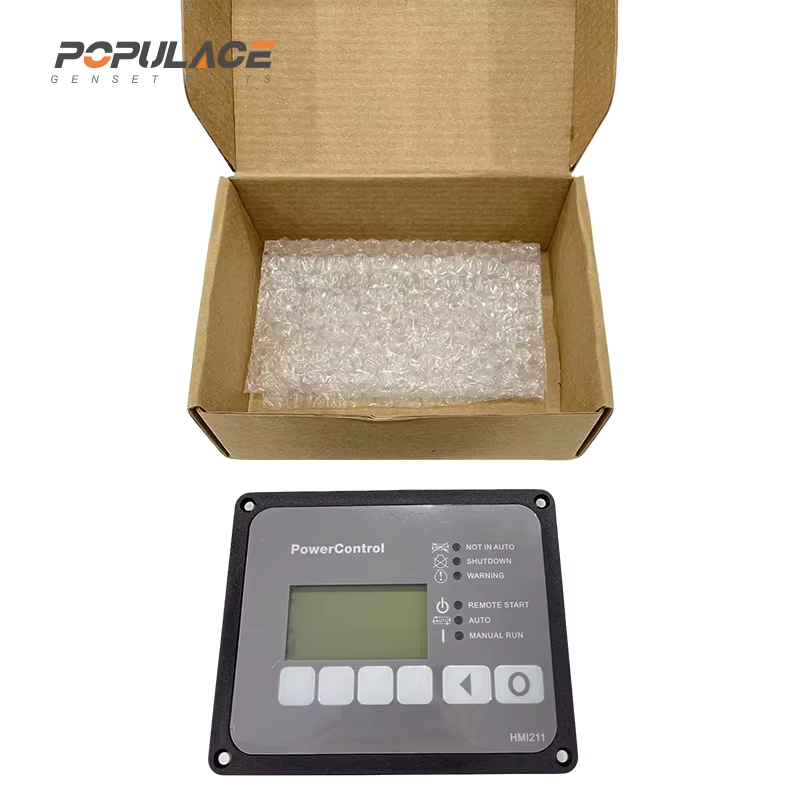
For procurement teams sourcing replacement cummins genset speed controller units or cummins electronic governor modules, working with a supplier that specializes in generator control components reduces compatibility risk and makes it easier to get accurate technical documentation for the calibration process above.